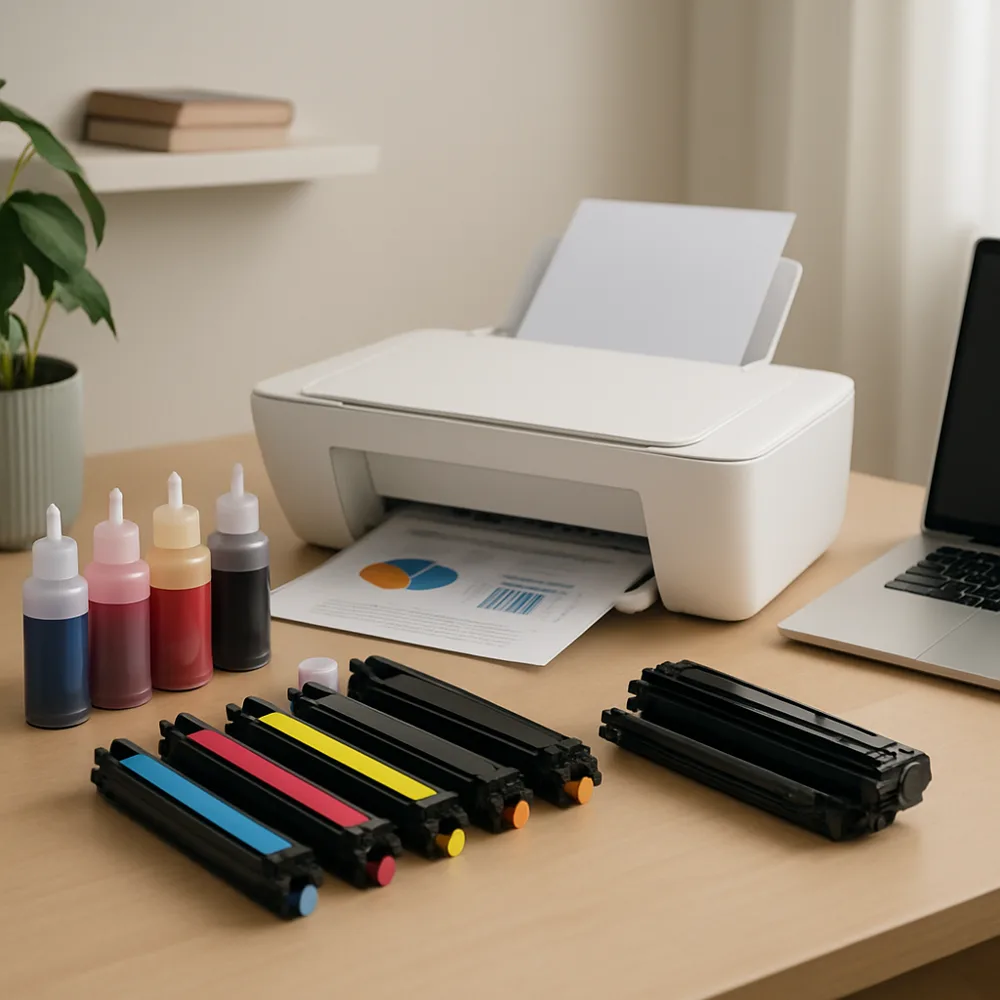
An inkjet printhead sends ink through very small nozzles. When a printer sits unused, ink can dry near those openings and interrupt the flow. A clogged or partially blocked nozzle may show up as missing lines, broken colors, or pale sections in a nozzle-check pattern. Air in the ink path or an empty cartridge can cause similar symptoms.
Begin with the printer’s built-in nozzle check or print-quality test. If it shows gaps, confirm that each cartridge is seated correctly and has ink available. Use the printer’s normal cleaning function once, then print another test page. Follow the manufacturer’s guidance about waiting between cleaning cycles instead of repeatedly running the process.
Cleaning uses ink, so several cycles in a row can waste supplies without solving the cause. If the pattern improves, give the printer time and check it again later. If it does not, consult the model’s instructions for any approved manual cleaning steps. Avoid scraping the printhead, pouring solvents into the printer, or touching electrical contacts.
To reduce future clogs, keep the printer in a clean, moderate environment and use it periodically if the manufacturer recommends it. Leave it powered as directed so it can perform its normal maintenance routine. If a printer has a removable printhead, follow its exact removal instructions; some models have non-user-serviceable components.